
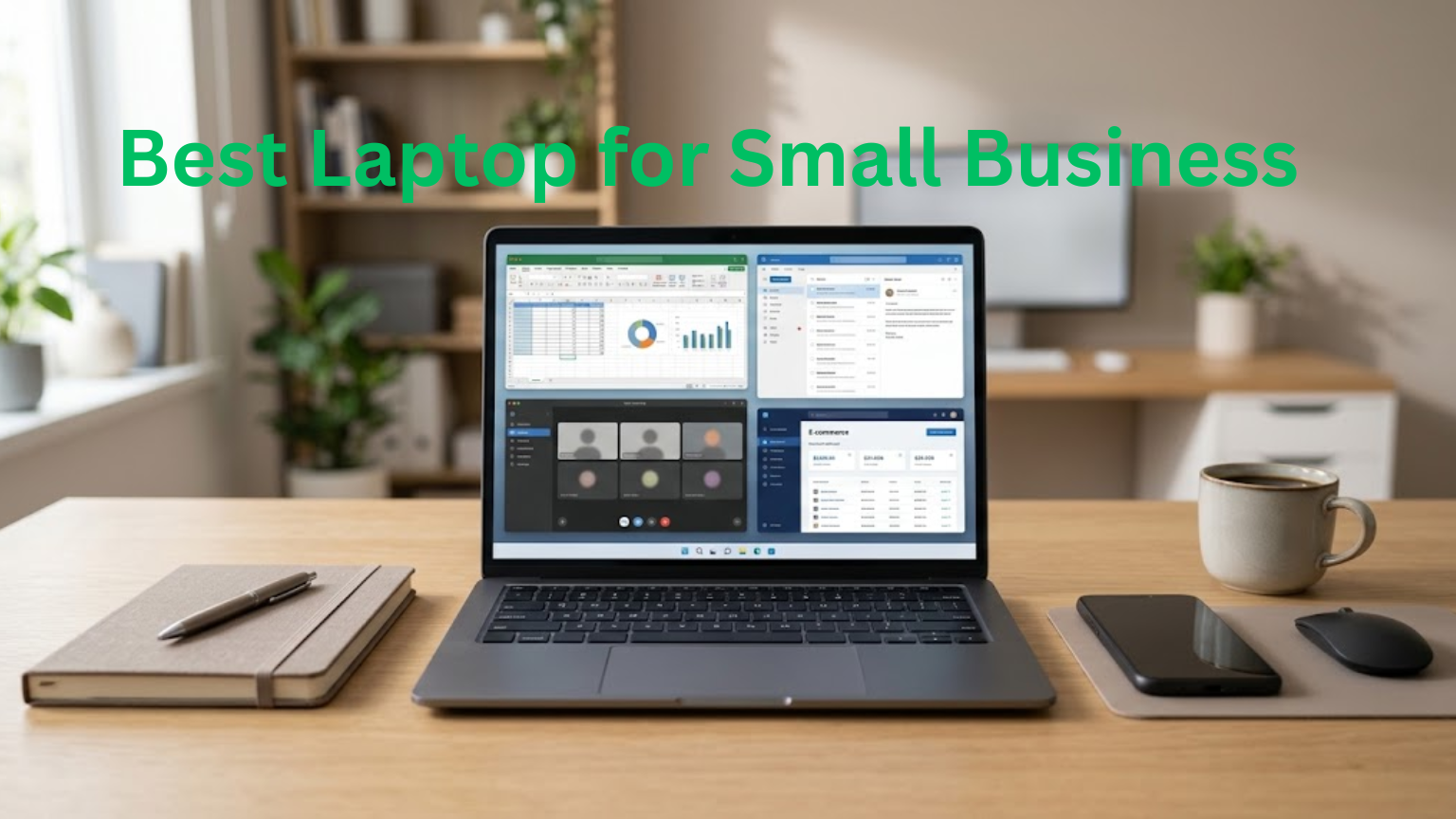
The best laptop for small business depends on the work you do every day. A freelancer using email and Google Docs has different needs from a developer, accountant, designer, or online seller.
You do not need to spend thousands of dollars on a business laptop. For many users, a modern processor, 16GB of RAM, a 512GB SSD, good battery life, and a comfortable keyboard are enough.
Your workload, budget, software, and need for portability should guide your choice.
What Makes a Laptop Good for Small Business?
A good business laptop should handle your daily work without getting in the way.
Look for:
- A modern processor
- 16GB of RAM
- 512GB SSD storage
- A comfortable keyboard
- Good battery life
- A clear display
- A decent webcam and microphone
- Useful ports
- Security features
- Good warranty and support
Your work matters more than the brand.
For example, someone who spends most of the day working with spreadsheets may prefer a larger screen and a comfortable keyboard. A business traveler may care more about low weight and battery life.
Best Laptop Specs for Small Business
You do not need to understand every technical specification. Focus on the parts that affect your work.
How Much RAM Do You Need?
16GB of RAM is a good target for most small business users.
It gives you enough room to run a browser, documents, spreadsheets, communication apps, and other programs together.
An 8GB laptop can handle light tasks, but it leaves less room for heavy multitasking. If you use virtual machines, large files, development tools, or other demanding software, 32GB may be a better choice.
How Much Storage Is Enough?
A 512GB SSD is a good starting point for many users.
An SSD gives you quick access to your operating system, applications, and files. If you store lots of videos, photos, design files, or other large files, consider a 1TB SSD.
If most of your files stay in cloud storage, you may not need as much internal storage.
Which Processor Should You Choose?
You usually do not need the most expensive processor.
A modern mid-range processor can handle:
- Web browsing
- Microsoft Office
- Google Workspace
- Video meetings
- Accounting software
- Online stores
- Basic programming
- Web-based AI tools
If you edit video, create 3D designs, develop software, or run other demanding programs, choose a more powerful processor.
See Also: How Much Do Personal Computers Cost? Find the Right PC for Your Budget
Do You Need a Dedicated Graphics Card?
Most small business users do not.
Integrated graphics are enough for office work, browsing, video calls, presentations, and many everyday applications.
A dedicated GPU makes more sense for video editing, 3D work, CAD, gaming, and some demanding AI tasks.
There is little reason to spend extra on a powerful graphics card if your work mainly involves documents, spreadsheets, and web applications.
Choose a Laptop Based on Your Work
Different types of businesses need different laptops.
For Freelancers and Remote Workers
Freelancers may work from home, offices, cafes, or client locations.
A 13- or 14-inch laptop can be easier to carry. Focus on battery life, keyboard comfort, webcam quality, and enough RAM for your usual apps.
For Accountants and Office Workers
Accountants and office workers often spend hours working with spreadsheets and documents.
A 15- or 16-inch screen can make this work easier to manage. A number pad can also help if you enter figures regularly.
Prioritize the display, keyboard, RAM, and ports instead of paying for gaming hardware.
For Online Sellers
Online sellers may use browsers, product images, spreadsheets, email, payment services, and communication apps throughout the day.
A mid-range laptop with 16GB of RAM and a 512GB SSD should be suitable for many of these tasks.
A good webcam is also useful if you regularly speak with suppliers or customers through video calls.
For Developers
Developers may need more memory and processing power than someone doing basic office work.
If you use development environments, databases, containers, virtual machines, or local testing tools, 16GB is a sensible starting point. Consider 32GB if your workload regularly pushes memory usage higher.
Ports can matter too, especially if you connect external displays, storage drives, or other equipment.
For Designers and Video Editors
Creative work puts more pressure on a laptop.
Look for:
- A strong processor
- Plenty of RAM
- Fast SSD storage
- A good display
- A capable GPU
If you work with large video projects or 3D applications, spending more on hardware can be worthwhile.
See Also: How to Clean a Laptop Keyboard
Windows or Mac for a Small Business?
Both Windows and Mac laptops can work well for business. Your software should guide the decision.
Windows
Windows laptops offer many hardware choices at different prices.
They can be a good fit if you need specific Windows applications, want more hardware options, or prefer to choose from many laptop sizes and designs.
Mac
Mac laptops can suit people who already use Apple devices or prefer macOS.
They are also a good option for users who value portability, battery life, build quality, and integration with other Apple devices.
Before buying, check the software your business uses. Some applications work differently on macOS, while others may require Windows.
How Much Should You Spend on a Business Laptop?
Your budget gives you a useful starting point.
Under $600
This range can work for basic tasks such as email, documents, browsing, online meetings, and cloud applications.
Check the specifications carefully. Very cheap laptops may have limited RAM, small storage drives, weak displays, or uncomfortable keyboards.
$600–$900
This is a practical range for many freelancers, students, home businesses, and office workers.
You can often find enough memory and storage for comfortable everyday use without paying for high-end hardware.
$900–$1,300
This range gives you more options for stronger processors, better displays, improved build quality, and longer battery life.
It can suit people who use their laptops heavily throughout the day.
$1,300 and Above
A higher budget can make sense for demanding workloads, premium business laptops, developers, designers, and video editors.
Spending more does not automatically make a laptop better for your business. The extra cost should give you features or performance that you actually need.
Business Features You Should Not Ignore
Performance is only part of the buying decision.
Security
A business laptop may contain customer information, invoices, passwords, financial records, and private files.
Look for features such as fingerprint login, Secure Boot, TPM support, device encryption, and webcam privacy options.
You should also protect important accounts with strong passwords and multi-factor authentication.
Keyboard
If you type for several hours each day, keyboard comfort matters.
Try the keyboard before buying if possible. A laptop can have excellent hardware and still be unpleasant to use if the keyboard does not suit you.
Webcam and Microphone
If you regularly attend online meetings, a good webcam and microphone can make a noticeable difference.
You may not need to buy extra equipment for every meeting if the built-in camera and microphone are good enough.
Ports
Check the ports before buying.
You may need USB-C, USB-A, HDMI, an audio jack, or support for an external monitor or docking station.
A laptop with very few ports can become inconvenient if you regularly connect other devices.
Battery Life
Battery life matters most if you work away from a power outlet.
If you spend most of your time at a desk, screen quality and performance may matter more.
Common Laptop Buying Mistakes
A few mistakes can turn a good-looking laptop into a poor business purchase.
Buying based only on the processor: A fast CPU does not make up for limited RAM, poor battery life, or an uncomfortable keyboard.
Choosing 8GB to save money: It can work for light tasks, but 16GB gives you more room for multitasking.
Paying for a gaming GPU: Most office and online business tasks do not need one.
Ignoring ports: Check how you will connect monitors, storage drives, phones, and other equipment.
Choosing based on appearance: A premium design does not guarantee that the laptop suits your workload.
Forgetting software compatibility: Make sure the laptop can run the applications your business depends on.
Ignoring warranty and support: A laptop problem can interrupt your work, so support can matter when choosing between similar models.
What About AI Laptops?
You do not need a special AI laptop just because you use ChatGPT or other online AI services.
Many AI tools run through the internet, so your laptop mainly needs enough processing power, RAM, storage, and a reliable connection.
Some newer laptops include an NPU, which can handle certain AI tasks directly on the device. This can be useful for supported camera, audio, and other local features.
Before paying extra for AI hardware, check whether the software you use benefits from it actually.
Business Laptop or Regular Laptop?
Business-focused laptops often put more attention on security, durability, support, and long-term use.
Consumer laptops can still be a good choice for a small business.
You do not have to buy a laptop labeled as a business model. What matters is whether it meets your needs.
For example, a small online business may get better value from a reliable consumer laptop with 16GB of RAM and a good display than from an expensive business laptop with features it will never use.
A Simple Laptop Buying Checklist
Before buying, ask yourself:
- What software do I use every day?
- How many programs do I run at once?
- Do I need Windows or macOS?
- Do I travel with the laptop?
- Do I need a large screen?
- Is 16GB of RAM enough for my workload?
- Do I need 512GB or 1TB of storage?
- Do I need a dedicated GPU?
- Which ports do I need?
- Does it have the security features I want?
- Is the keyboard comfortable?
- Does the warranty meet my needs?
Answering these questions can quickly narrow down your options.
Final Verdict: What Is the Best Laptop for Small Business?
The best laptop for small business is one that fits your work without making you pay for hardware you do not need.
For many small business owners, a good setup includes a modern processor, 16GB of RAM, a 512GB SSD, a clear display, reliable battery life, a comfortable keyboard, useful ports, and solid security features.
If you travel often, focus more on weight and battery life. If you work with spreadsheets, consider a larger screen. Developers may need more RAM, while designers and video editors may need a stronger GPU.
Set your budget, list the software you use, and choose the laptop that fits those needs. The most expensive option is not always the right one.
FAQs
1. What is the best laptop for a small business?
The best laptop depends on your workload. For most users, 16GB RAM, a 512GB SSD, a modern processor, and good battery life are a solid choice.
2. How much should I spend on a business laptop?
For basic business tasks, $600–$900 can be enough. More demanding work may require $1,000 or more.
3. Is 16GB RAM enough for small business?
Yes. 16GB is enough for most office work, browsing, video meetings, spreadsheets, and multitasking.
4. Do small business owners need a dedicated GPU?
Usually not. Integrated graphics are enough for common business tasks. A dedicated GPU is useful for video editing, 3D work, CAD, and demanding applications.
5. Is a business laptop better than a regular laptop?
Not always. Business laptops often offer better security, durability, and support, but a regular laptop can provide better value if it meets your business needs.
About the Author

2 thoughts on “Best Laptop for Small Business: How to Choose the Right One”