If you use a computer, you have probably heard of antivirus software. But what does it actually do, and do you need it?
What is anti-virus software? In simple terms, it is a security program that helps detect, block, isolate, and remove malicious software. NIST describes antivirus software as a program that monitors a computer or network for major types of malware and helps prevent or contain malware incidents.
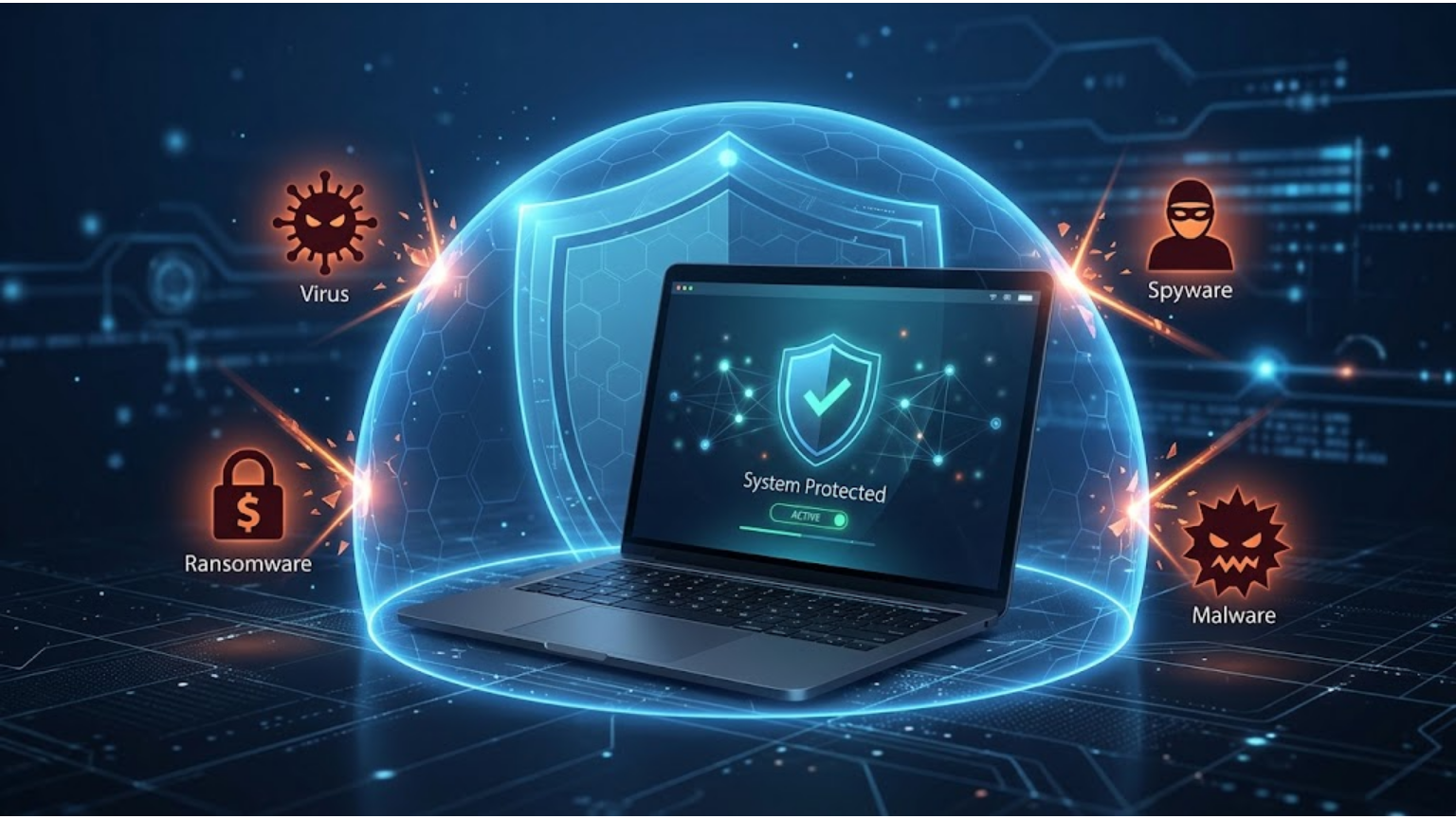
The name can be confusing because modern antivirus programs do more than look for traditional computer viruses. They can also protect against threats such as spyware, ransomware, Trojans, and other forms of malware.
The basic idea is simple. Security software checks files and programs, watches for suspicious activity, and takes action when it detects a threat.
What is anti-virus software?
Antivirus software is designed to find malicious software and stop it from causing harm to your device.
A computer virus is one type of malware. Malware is a broader term for software or code intended to perform harmful or unauthorized actions. NIST lists viruses, worms, Trojan horses, and spyware among examples of malicious code.
A virus has a specific characteristic: it can replicate by attaching itself to another program or file. It usually needs that host program to run before the virus becomes active.
Modern antivirus products cover a much wider range of threats than their name suggests. That is why you may also see the term anti-malware software.
For a normal user, the important point is this: antivirus software helps keep harmful programs from running on your device or causing damage.
Why Do You Need Antivirus Software?
Malware can reach a computer through downloads, email attachments, infected files, unsafe websites, or other sources.
Imagine downloading a free program from an unfamiliar website. The program looks useful, but it contains malicious code. Security software may detect the file and block it before you can run it.
Another situation is an infected file that arrives through an email attachment. If you open it, antivirus protection may detect the threat and prevent the malicious program from running.
This is where antivirus becomes useful. It gives your device another layer of protection instead of leaving every downloaded file or program unchecked.
NIST describes antivirus tools as software used to detect malicious code, prevent infections, and remove malicious code from an infected system.
What Does Antivirus Software Protect Against?
Modern antivirus programs can detect many kinds of malicious software. The exact protection depends on the product and its features.
Viruses
A virus can attach itself to another program or file and spread when the infected program is run.
Trojans
A Trojan is malicious software that can appear to be a legitimate program or file. Once installed or run, it can perform harmful actions.
Ransomware
Ransomware is malware that can prevent users from accessing their files or systems and may demand payment from victims.
Spyware
Spyware is designed to collect information or monitor activity on a device secretly.
Worms
A worm is malware that can spread from one system to another. Unlike a traditional virus, it does not need to attach itself to another program in the same way.
Some security products can also detect potentially unwanted applications. Microsoft Defender, for example, includes protection against potentially unwanted applications that may negatively affect a device.
So antivirus protection is not limited to old-fashioned computer viruses. It can cover a much wider range of threats.
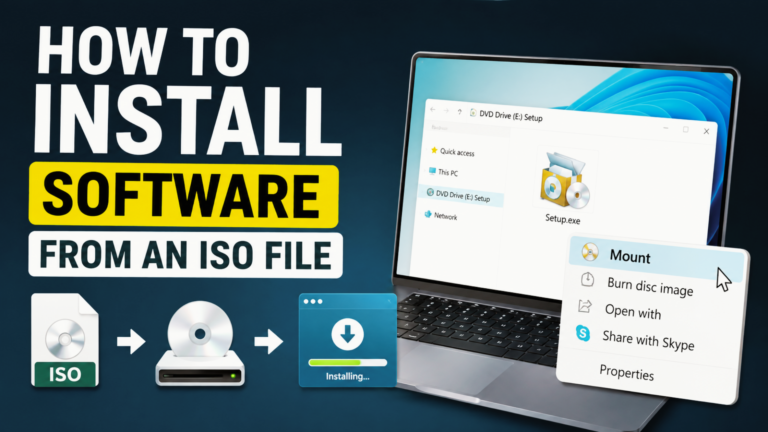
See Also: How to Install Software from an ISO File
How Does Antivirus Software Work?
Antivirus programs use several methods to identify threats. No single method is enough for every situation, so modern security products combine different techniques.
Microsoft Defender Antivirus, for example, includes real-time, behavior-based, and heuristic protection. It also works with cloud-delivered protection.
Signature Detection
Signature detection looks for characteristics associated with known malware.
NIST defines a malware signature as a set of characteristics that can be used to identify known malware and some new variants.
This works well when security software already knows about a particular threat. The limitation is that a completely new threat may not yet have a matching signature.
Heuristic Detection
Heuristic detection looks for characteristics that may indicate malicious software.
This can help identify suspicious files even when they do not exactly match a known malware signature. Microsoft’s security documentation includes heuristic protection as part of Defender Antivirus.
Behavior Monitoring
Behavior monitoring looks at what programs do on the computer.
For example, a program that suddenly starts making unusual changes to many files may raise a security warning. Looking at behavior can help detect suspicious activity even when the exact malware has not been identified by a traditional signature.
Cloud-Delivered Protection
Some antivirus products also use cloud services when analyzing threats.
Microsoft says Defender’s cloud-delivered protection helps provide rapid detection and blocking of new and emerging threats.
The result is a layered approach. A security program can look at what a file is, what it does, and current threat information when deciding whether something is dangerous.
What Is Real-Time Protection?
Real-time protection means the security software keeps checking your device while you use it.
For example, you download a program from the internet. The security software can scan the file as it is downloaded or opened. If you try to run it, the software can continue monitoring its activity.
NIST describes on-access scanning as real-time scanning of files when they are downloaded, opened, or executed.
Microsoft also describes Defender’s protection as always-on and says it continually monitors for malware and other security threats.
This is different from an on-demand scan, which you start yourself when you want to check your device.
For everyday use, real-time protection is useful because you do not have to remember to scan every file you download manually.
See Also: How to Install Application Software in Linux: Complete Beginner-to-Advanced Guide
What Happens When Antivirus Finds a Threat?
When security software detects something suspicious, it may take several possible actions.
Depending on the software and the threat, it can:
- Block the file from running
- Warn you about the detection
- Quarantine the file
- Remove the file
- Ask you to choose an action
What Does Quarantine Mean?
Quarantine means isolating a suspicious file so it cannot operate normally or interact with the rest of the system.
NIST defines quarantining as storing files containing malware in isolation for later disinfection or examination.
For example, if an antivirus program detects a harmful file in your Downloads folder, it may move that file into quarantine instead of leaving it where another program could run it.
If you see a message that a threat was quarantined, the important thing is that the detected file has been isolated from normal use.
See Also: How to install a software on a computer: A Complete Beginner’s Guide
Does Windows Already Have Antivirus Software?
Yes. Supported Windows versions include Microsoft Defender Antivirus. Microsoft says Defender is built into Windows and helps protect against viruses, spyware, and other malware.
Microsoft’s current documentation says Defender includes real-time, behavior-based, and heuristic protection. It also uses cloud-delivered protection to help detect new and emerging threats.
This means you do not automatically need to buy another antivirus program when you get a Windows computer.
There is also a good reason not to install multiple real-time antivirus programs just because more sounds safer. Microsoft recommends against running multiple real-time security products at the same time because they can affect performance and may cause other problems.
When another compatible antivirus program is installed and turned on, Microsoft Defender Antivirus automatically turns off its active protection. If that other program is removed, Defender can turn back on.
Is Antivirus Software Enough to Keep You Safe?
No. Antivirus software is useful, but it is only one part of device security.
Consider a phishing message that looks like an email from your bank. You click the link and enter your password on a fake website. The main problem may be stolen credentials rather than malware on your computer.
Some security products can also check websites and downloads for suspicious or known threats, but antivirus protection does not make every online activity safe.
You should still:
- Keep your operating system and software updated.
- Use strong, unique passwords.
- Turn on multi-factor authentication when available.
- Be careful with unexpected email attachments and links.
- Download software from trustworthy sources.
- Keep backups of important files.
NIST’s malware guidance distinguishes phishing from malware; phishing involves tricking people into revealing sensitive information through deceptive messages or websites.
The main lesson is simple: antivirus can reduce your risk, but it cannot replace careful online habits.
Antivirus vs. Firewall: What’s the Difference?
Antivirus software and a firewall have different jobs.
Security tool Main purpose
Antivirus Detects and handles malicious software
Firewall Filters network traffic and blocks unauthorized access
Password manager Helps store and manage passwords
Backup Helps you recover files after data loss
A firewall focuses on network connections. Microsoft says Windows Firewall filters network traffic and can block unauthorized access based on factors such as IP addresses, ports, and applications.
Antivirus software, on the other hand, focuses mainly on malicious software and related threats.
You can think of them as separate layers rather than alternatives. Having a firewall does not mean you no longer need malware protection.
See Also: Samsung Portable SSD Software 1.0 How to Install
Does Antivirus Software Slow Down Your Computer?
Antivirus software uses system resources because it needs to scan files and monitor activity.
How much you notice depends on the security program, your computer’s hardware, and what the software is doing.
A full scan may use more resources than normal background protection because it checks a larger number of files.
If your computer suddenly becomes slow, do not assume antivirus is responsible. Check which programs are using your processor, memory, or storage before changing security settings.
It is usually better to find the actual cause than to turn off protection and leave the device exposed.
Free vs. Paid Antivirus Software
Free and paid antivirus products can offer different features.
A free product may provide basic malware protection. A paid security package may add features such as password management, identity protection, parental controls, or additional privacy tools. The exact features vary by product.
A higher price does not automatically mean better protection for every user.
Before paying for antivirus software, check what protection your operating system already provides. Windows users, for example, already have Microsoft Defender Antivirus built in.
The better choice depends on your device, the protection you already have, and the features you actually need.
Common Antivirus Mistakes to Avoid
Even good security software cannot help much if you disable or ignore it.
One common mistake is turning off real-time protection because a website or program tells you to. If you do need to deactivate it temporarily, understand why and turn it back on afterward. Microsoft warns that files opened or downloaded while real-time protection is off will not receive that real-time scanning.
Another mistake is ignoring security updates. Antivirus software relies on current protection data and detection improvements, so keeping it updated matters.
Installing several real-time antivirus products is another mistake. Microsoft says multiple real-time security products can affect performance and may cause errors.
Finally, pay attention to security warnings. If your antivirus identifies a threat, do not automatically allow the file to run. Check what was detected and follow the recommended action.
The Bottom Line
So, what is antivirus software? It is software that helps detect, block, isolate, and remove malicious software from a device.
Modern antivirus programs use more than traditional virus signatures. They can combine signature detection, heuristic methods, behavior monitoring, real-time scanning, and cloud-delivered protection.
If you use a supported Windows version, you already have Microsoft Defender Antivirus available as part of Windows.
But antivirus is not a complete security plan. Keep your software updated, use strong passwords, be careful with links and downloads, enable multi-factor authentication when possible, and keep backups of important files.
The goal is not to install as many security programs as possible. It is to keep reliable protection enabled and use your device carefully.
FAQs
1. What is antivirus software used for?
Antivirus software helps detect, block, isolate, and remove malicious software. Modern antivirus programs can protect against threats such as viruses, Trojans, ransomware, spyware, and worms.
2. Is antivirus the same as anti-malware?
The terms are often used for similar security software today. Antivirus originally focused on computer viruses, while anti-malware is a broader term covering different types of malicious software. Modern antivirus products can handle many forms of malware.
3. Does Windows have built-in antivirus protection?
Yes. Supported Windows versions include Microsoft Defender Antivirus. Microsoft says it helps protect against viruses, spyware, and other malware and provides always-on protection.
4. Can antivirus software protect against every cyberattack?
No. Antivirus software focuses mainly on malware and related threats. It cannot guarantee protection against phishing, stolen passwords, social engineering, or every other type of cyberattack. Safe online behavior and other security measures are still important.
5. Should I install two antivirus programs?
Usually, no. Microsoft recommends against running multiple real-time antivirus or anti-spyware products at the same time because they can affect performance and cause other problems.
About the Author